How to Read MotoGP Sector Times Like a Pro
Learn how to read MotoGP sector times — purple/green/yellow meaning, cumulative vs sector view, and how fans and writers use splits during a session.
Sam Salman Khan
July 9, 2026
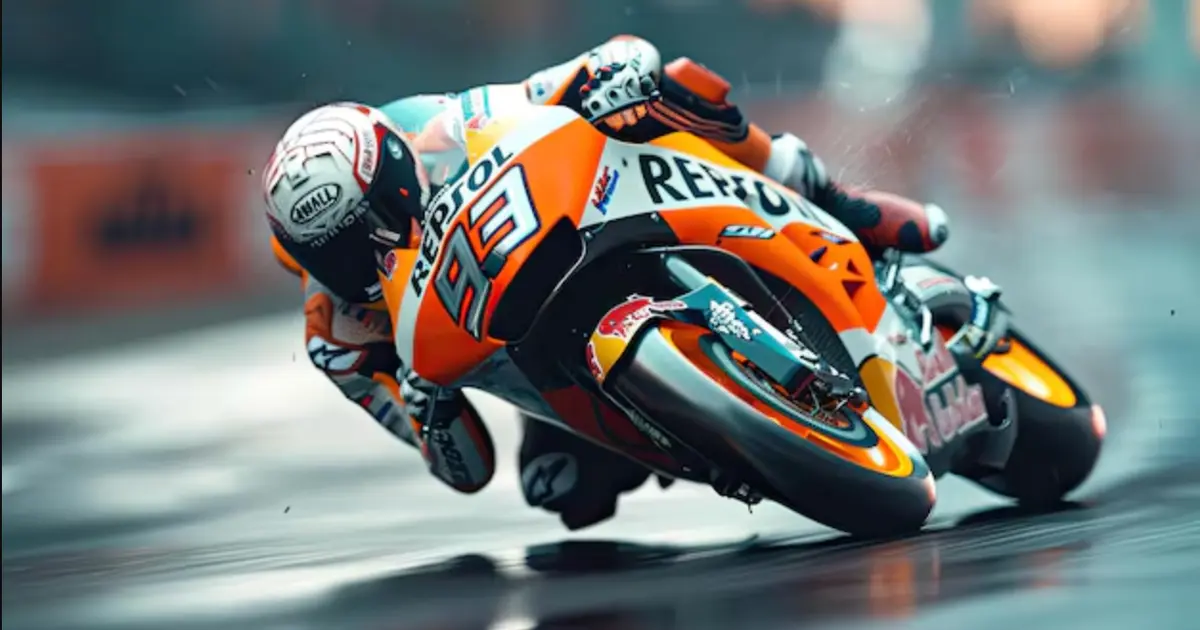
How to Read MotoGP Sector Times Like a Pro
Sector times are the difference between “he did a 1:31.2” and “he gained two tenths in the final sector.” This tutorial is for fans and writers who want to sound precise without a factory garage screen.
The colour language (typical)
Exact colours vary by product, but the common language is:
- Purple — session-best sector
- Green — personal-best sector
- Yellow / white — slower than personal best
Always read the legend on the tool you are using. MotoSector’s live view is built around sector-by-sector comparison paired with the 3D map.
Sector view vs cumulative view
- Sector view — time for that segment only (best for finding strengths)
- Cumulative view — running time from the start/finish line through that intermediate
Analysts switch between both. A rider can win Sector 1 and still lose the lap in Sector 3.
A simple race-weekend workflow
- In practice, note who is purple in which sector
- In qualifying, watch whether improvements are “all-lap” or “one-sector heroics”
- In the race, watch sector deltas when a chase pack closes
- After the flag, confirm the story in results
Writing with sectors (for journalists)
Better sentence:
“Martín was plus-0.18 in Sector 2 but clawed it back with a purple final sector.”
Weaker sentence:
“Martín was fast.”
Use Studio if you need a graphic to accompany the line, and credit MotoSector per the press kit.
Related reading
Follow live on MotoSector
Open the free dashboard for calendar, live sector timing, and results:
Symilars
Ready to build something that lasts?
We turn business goals into high-performance software. No fluff — just execution.
Get a Free ConsultationRelated Articles

MotoGP Starting Grid: How Qualifying Sets the Race
How the MotoGP starting grid is set — practice cutoffs, Q1/Q2, Sprint vs GP grid context — and where to follow sessions live.
6 min readMotoGP Championship Standings Explained: How Points Work
How MotoGP championship standings work — Sprint vs Grand Prix points, how to read the table, and where to follow free live standings on MotoSector.
6 min readWho Is Raúl Fernández? The Story Behind Silverstone's Winner
e broke Marc Marquez's Moto2 rookie record. Then MotoGP nearly broke him. Here's the real story of Raúl Fernández — and why Silverstone was different.
11 min read